Smart Keyboard Solutions
German Keyboard Labels
German Keyboard Labels
Couldn't load pickup availability
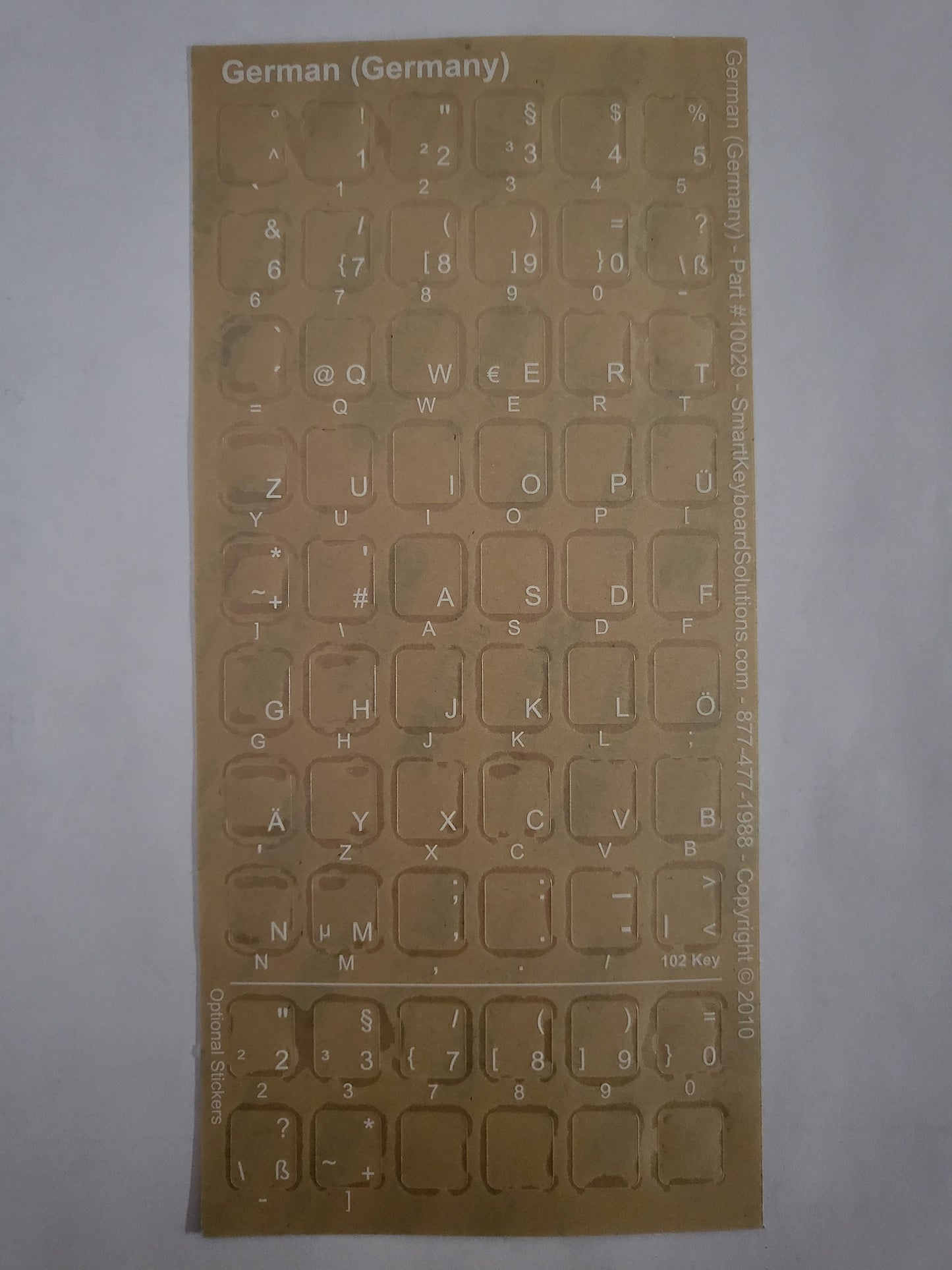
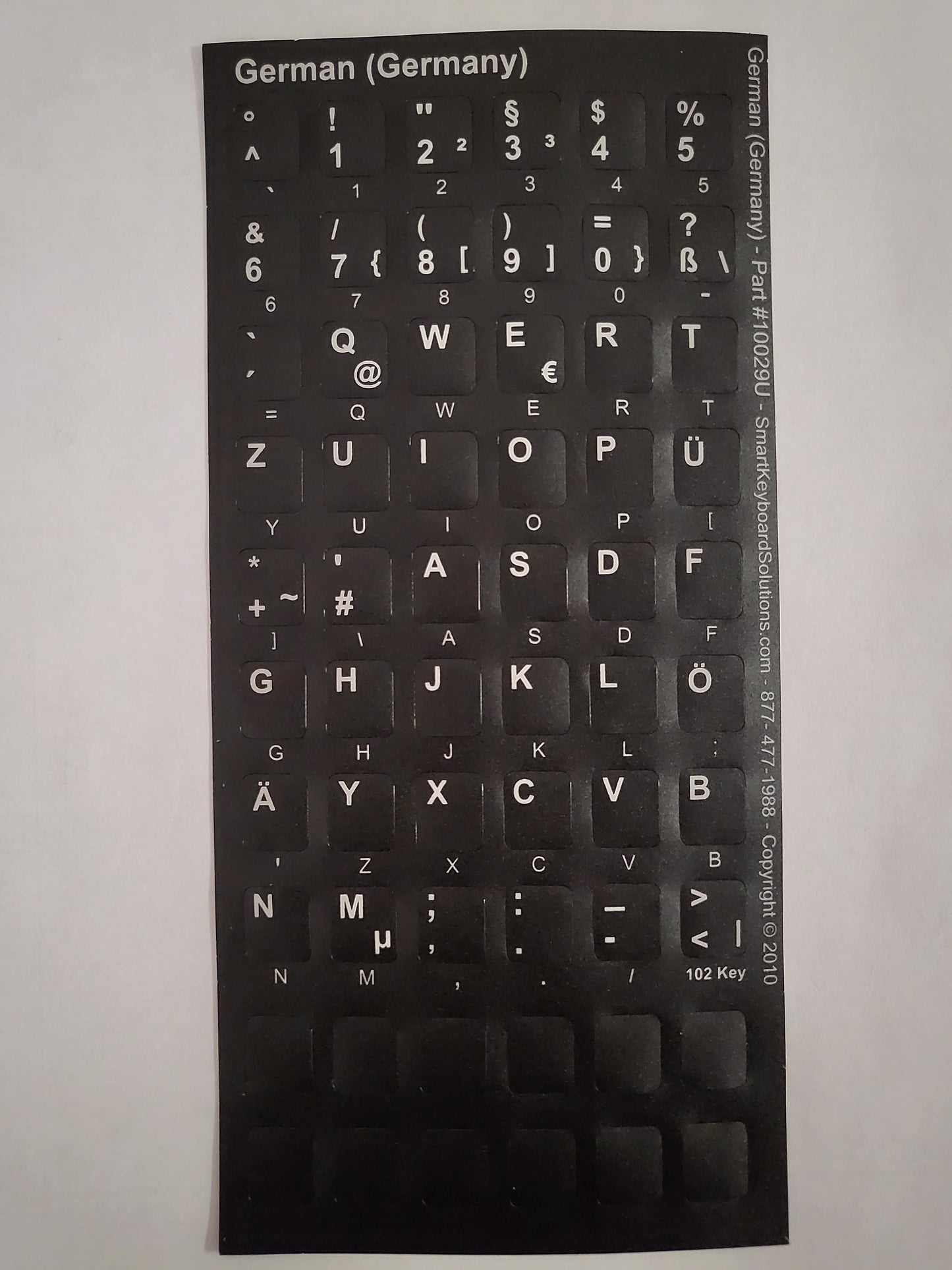
The German Keyboard Labels make it easy to convert any PC desktop or laptop keyboard into a bilingual German layout. Each clear label displays the German character on the right side, allowing you to add German input without covering your existing keys. You can choose white characters for black or dark keyboards or green characters for beige and light keyboards. The labels are fully compatible with the modern Windows German keyboard layouts used in Germany, Austria, and Switzerland.
Most keyboards print their characters on the left side of each key, while some models, including many from Logitech, place the lettering in the center. To ensure the best fit, Smart Keyboard Solutions includes additional labels designed for center‑printed keys so you can select the style that matches your keyboard. Every label is printed on durable Lexan using a silkscreen process that places the ink on the underside of the sticker. This protects the print from wear, keeps the lettering crisp, and ensures your fingers never touch the ink. The matte, non‑glare surface feels smooth and comfortable for typing while remaining easy to read from any angle.
The labels are die‑cut for quick peel‑and‑stick installation, and the adhesive is safe for your keyboard, allowing clean removal without damaging the original keys. If needed, the stickers can be trimmed before application for a perfect fit. Each set includes all the labels required for a complete bilingual keyboard along with extra stickers to accommodate a wide range of key sizes and layouts, including standard Logitech keyboards. The clear labels place the German characters on the right side of each key, creating a clean and consistent bilingual layout.
Made in the USA, Smart Keyboard Solutions language labels are produced from non‑toxic materials and developed in‑house to ensure quality and Windows compatibility. They offer a durable, long‑lasting way to add German language support to your keyboard while maintaining a clean, professional appearance.
Share